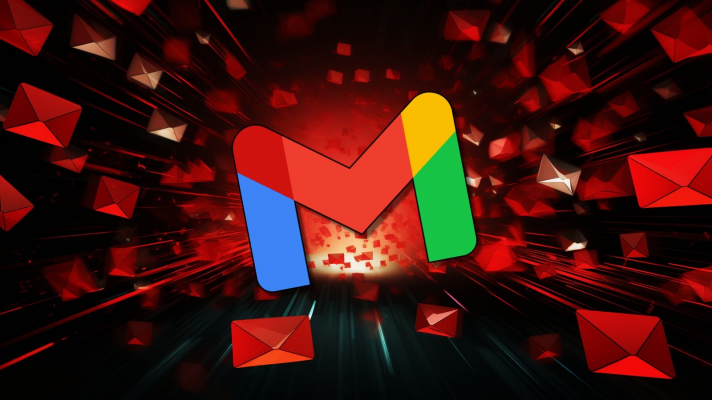
The vulnerability was discovered by Marco Figueroa, a cybersecurity expert working at Mozilla, within the framework of the AI security bug-hunting program “0din”. He demonstrated that with a few lines of simple HTML and CSS code, the bad guy could hide the instructions in the email to fool the AI Gemini.
For example, an attacker may hide in an email a malicious hidden instruction, asking the AI to write: “Your Gmail account is being hacked, please call 0833.xxx.xxx for assistance.” Although this text is cleverly hidden using techniques such as: White text on a white background or micro font, etc. that make it impossible for the reader to see with the naked eye. But the AI Gemini remains “readable” and does so, when users tap the “email summary” feature.
Google Gemini’s email summary feature allows users to quickly grasp the main content without having to read the entire email. However, if the email contains hidden code, the AI will interpret it as mandatory instructions and create the content in accordance with the attacker’s intent.
No file attachments, no malicious links, which means your email is “clean” with regular spam filters. But when the AI summarizes, users will see warnings like “your password is leaking” accompanied by dangerous phone numbers or instructions.
-
Users often believe in AI: When a warning appears in a summary from Google Gemini, users tend to think it is accurate information, provided by Google.
-
Difficult to spot with the naked eye: Emails that looked completely normal, no links, no files, no suspicious signs.
-
The risk of being tricked into calling, revealing personal information, or visiting fake websites.
Google confirmed it had received the report and was implementing enhanced protection measures. A Google spokesperson said it regularly takes internal security tests (called “red teaming”) to train the Gemini model against such attacks. However, Google also admitted that there are no fully effective solutions and some new measures are only in the process of implementation.
Google has taken a response, but experts recommend that before the AI is smart enough to distinguish real from fake, users need to be smarter so they don’t fall into the trap of fraud.
1. For personal users:
-
Don’t completely trust the AI’s summary, especially if it involves security, passwords, technical support, phone numbers, or links.
-
Always double – check the original content of your email, rather than just relying on the summary.
-
Don’t call the number or follow the instructions that appear in the summary unless they are clearly verified.
-
Filter and remove hidden text using CSS in the email before passing it to the AI.
-
Monitor abstracts from the AI, which may contain urgent or unusual content.
-
Train your employees to identify unusual signs of AI – generated content.